Register Device Wizard
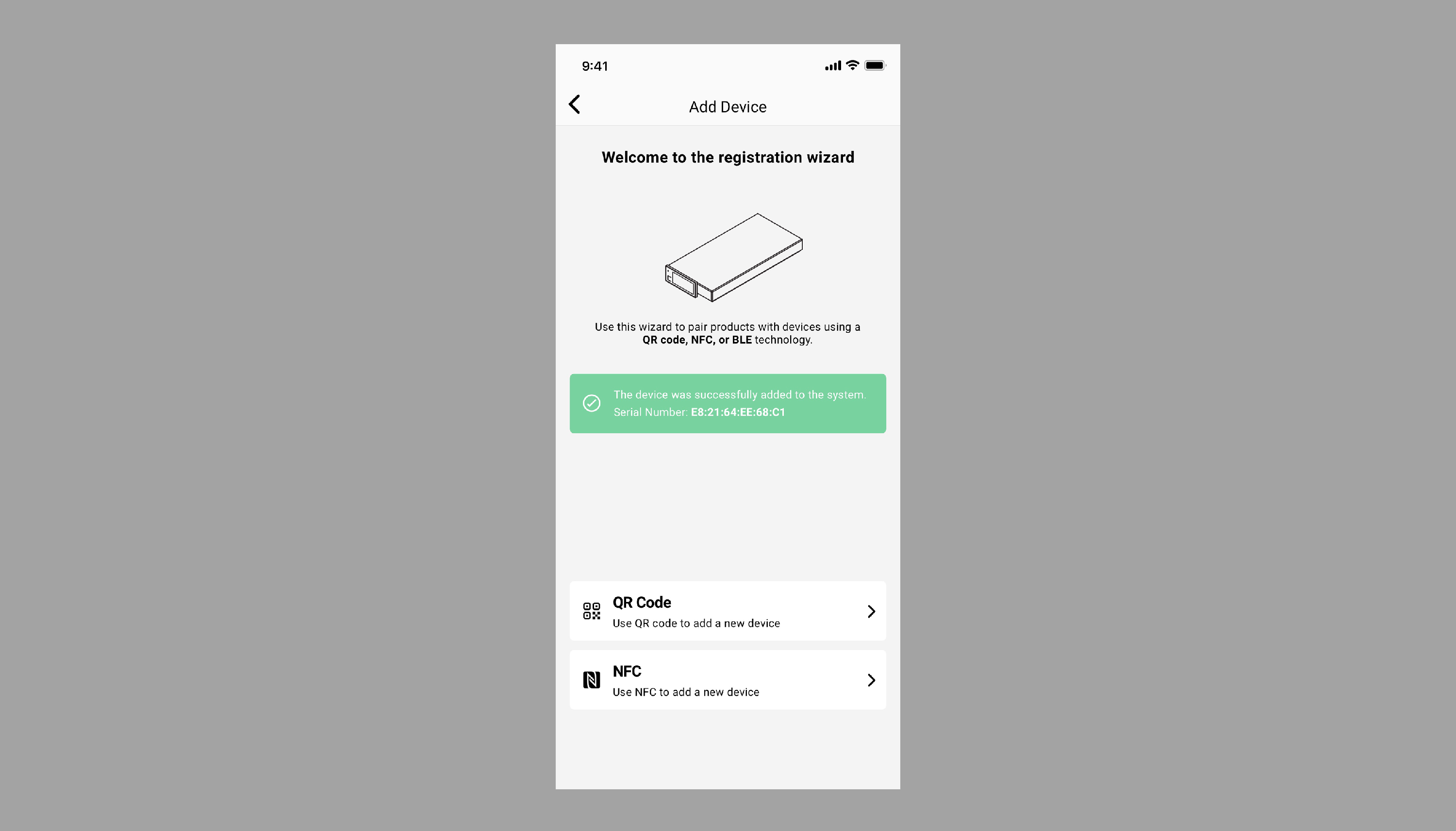
The registration wizard guides you through the registration process for the new smart scale device. There are two options to initiate registration: either via the QR Code on the device, which contains the serial number and ID, or via NFC;
- For QR code registration you need to scan the QR code located on the underside of the smart scale device.
- For NFC registration simply hold your smartphone or terminal close to the smart scale’s screen to recognize the serial number.
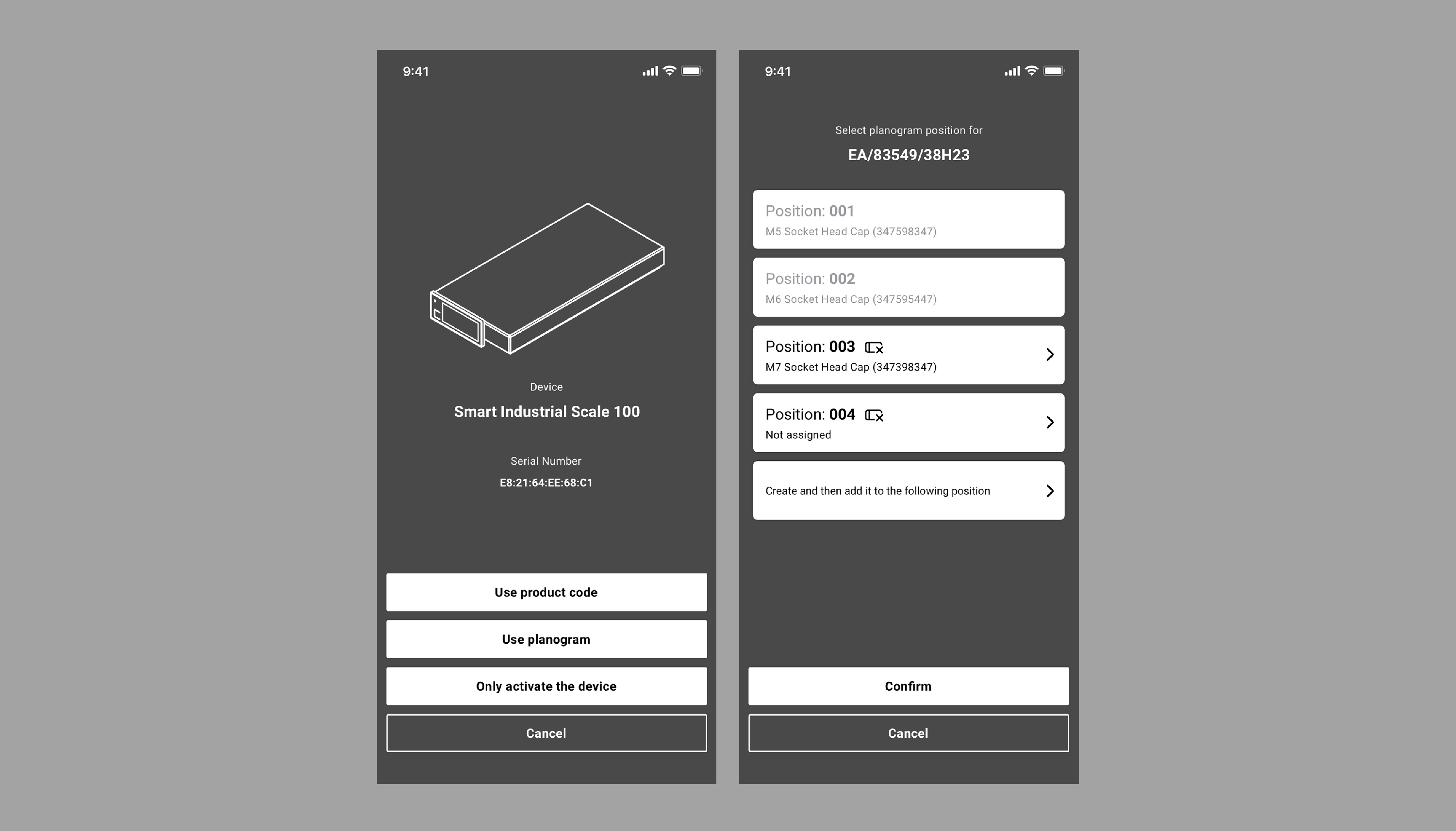
In the next step, the following options for registering a new smart device will appear:
- Use Product Code - Bind the smart scale device directly to the product using the unique product code. You can either scan the code or enter it manually.
- Use Planogram - Bind the smart scale device to a specific planogram position. Scan or manually enter the shelf code and select the position.